
How to Activate Your DIRECTV Air Device on Your TV
By American TV editorial team |
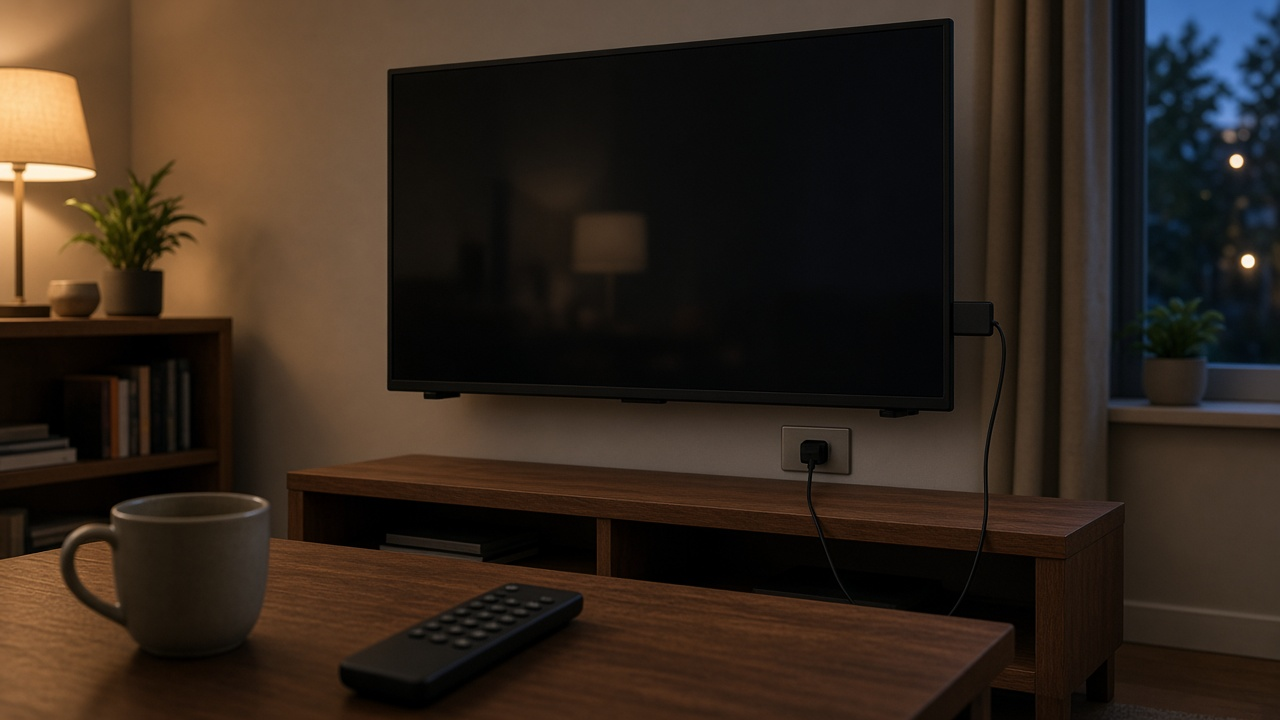
The device people often call a DIRECTV Air is officially the DIRECTV Gemini Air. It is a small streaming dongle that plugs into a TV with its attached HDMI cable and a separate power supply. DIRECTV designed it for internet service, so it does not need a satellite dish. Setup is self-guided, and official support says you can do it yourself without a technician visit.
Once it is running, Gemini Air can show live TV, on-demand programs and streaming apps such as Netflix, Max and Prime Video from the same home screen. Those third-party apps require their own paid subscriptions. New DIRECTV Internet customers are provided the Gemini Air, according to DIRECTV's product FAQ.
What you need before you start
DIRECTV's Gemini Air setup article lists the following. Have them nearby before you plug the dongle in.
| Detail | Info |
|---|---|
| Account | Your DIRECTV user ID and password |
| Wi-Fi | Your home Wi-Fi name and password |
| Television | An HD or 4K TV with HDMI 2.1 and 1.4, HDCP 2.3, 60 Hz, and support for 4K, 1080p and 3D |
| Internet | A high-speed connection. DIRECTV recommends at least 8 Mbps per stream and says it requires 3 streams, or 24 Mbps or more, for the best experience. |
| Optional | A Google account if you want to use voice search, control the TV and open apps with Google Assistant |
How to connect Gemini Air to your TV
These connection steps come from DIRECTV's official setup article for Gemini Air. The dongle already has an HDMI cable attached, so you do not need a separate HDMI cable for this model.
- Take your Gemini Air, power supply and remote out of the box.
- Plug the Gemini Air's attached HDMI cable into your TV.
- Plug the power supply into the Gemini Air and plug the other end into an electrical outlet.
- Turn on your TV and switch to the proper HDMI input, using your TV's remote.
- Gently remove the slip from the Gemini Air remote control.
- Follow the on-screen prompts to continue setup. This includes accepting terms and conditions, remote pairing and software updates. It can take several minutes to complete.
How activation works on the television
DIRECTV's Gemini Air instructions do not list a separate activation website or a numeric activation code. Activation happens on the TV as you complete those on-screen prompts. Because official support lists your DIRECTV user ID, password and Wi-Fi details among the items you need, have them ready when the setup screens ask for them. The exact order of those screens can vary, so follow what appears on your TV rather than skipping ahead.
Signing in with a Google account is optional. DIRECTV says it is useful if you want to search for shows, control the TV or open apps with your voice.
If the picture or internet will not come up
DIRECTV's Gemini Air help article covers the most common problems. Start with power and the HDMI port before you reset anything.
- Confirm the power supply is firmly connected. If needed, unplug the device for at least 30 seconds and plug it back in.
- If your TV has more than one HDMI port, try another port and switch the TV input to match.
- To restart the device, press and release the button on the back, or use the remote: Home, then Settings, System, Restart/Reset, Factory Restart.
- To check the network, press Home, then choose Settings, Help, Troubleshooting, and Run Network Diagnostics.
The light on the device can also tell you what is going on after it has finished booting. According to DIRECTV, off means no power, a solid red light means insufficient power, white means it is on with a strong signal, yellow means it is on with a weak signal, and a flashing red light means it is searching for a router or internet connection. During startup, red and blue lights can appear as the device checks power and continues to boot.
A factory reset erases the device settings. DIRECTV says you can press and hold the button on the back for 15 seconds, or use the remote: Home, then Settings, System, Restart/Reset, Factory Reset. Use that only after a restart and a network check have not helped, or if support asks you to.
If the Gemini Air remote will not pair
If you need to disconnect the remote and pair it again, DIRECTV's steps are: press and hold the Dash (–) and Apps buttons until the remote's lights blink blue twice; restart the Gemini Air by pressing and releasing the button on the back (the device scans for new remotes for five minutes); then point the Gemini Air remote at the device and press it. DIRECTV says the remote's lights flash twice once it is paired, and a confirmation appears on the screen.
Frequently asked questions
What is a DIRECTV Air device?
It is the DIRECTV Gemini Air, a streaming dongle that plugs into your TV with an attached HDMI cable and a separate power supply. It is made for DIRECTV internet service and does not use a satellite dish.
Do I need a technician to activate Gemini Air?
No. DIRECTV says Gemini Air setup is self-guided and does not include a technician visit or in-home appointment.
What do I need to activate Gemini Air on my TV?
Have your DIRECTV user ID and password, your Wi-Fi name and password, a compatible HD or 4K TV, and a high-speed internet connection. A Google account is optional for voice features.
Is there an activation code or website for Gemini Air?
DIRECTV's official Gemini Air setup steps do not list a separate activation website or numeric code. Finish activation by following the on-screen prompts on your TV, with your account and Wi-Fi details ready.
How fast does my internet need to be?
DIRECTV recommends a high-speed connection of at least 8 Mbps per stream and says it requires 3 streams, which is 24 Mbps or more, for the best experience.
What should I try if Gemini Air will not turn on or connect?
Confirm the power supply is secure, unplug the device for at least 30 seconds, try another HDMI port, restart the device, and run network diagnostics from Home, Settings, Help, Troubleshooting. A flashing red light means it is still looking for a router or internet connection.
Want live TV and your favorite sports networks in one place? Check DIRECTV options at your address or call 1-855-690-9884.
Setup, activation and troubleshooting steps come from DIRECTV's official Gemini Air support and product pages, checked November 20, 2026. On-screen prompts and requirements can change, so follow the screens on your device. American TV is an independent dealer and resource site.