
Google TV for Beginners: Setup, Home Screen and Free Live TV
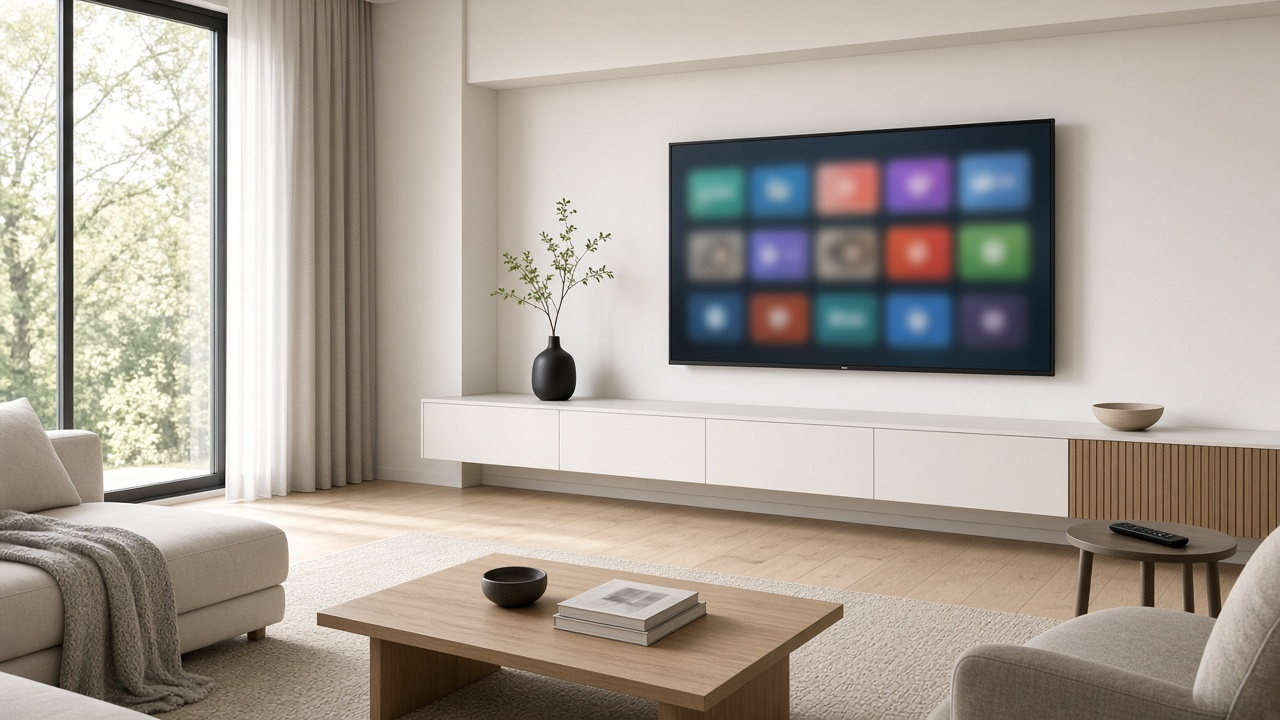
Google TV is the free software that runs on Google’s own Google TV Streamer, Walmart’s onn streaming players and many TVs from brands like Sony, TCL and Hisense. It gathers your streaming apps, recommendations and a free live channel guide on one home screen. If you’re buying a player, the Google TV Streamer (4K) is $149.99 at the Google Store as of October 15, 2026, up from its $99.99 launch price after an August 2026 increase.
Here’s how to set it up, what each part of the home screen does, and how to get live TV on it, including free channels.
Setting up Google TV the first time
- Plug the player into an HDMI port and power, then switch your TV to that input. (On a Google TV smart TV, just turn it on.)
- Pair the remote. It usually pairs on its own; if the screen asks, follow the on-screen pairing prompt.
- Choose to set up with the Google Home app on your phone (scan the QR code) or on the TV with the remote. The phone route is faster because it copies your Wi‑Fi and Google account details.
- Connect to Wi‑Fi, sign in to your Google account and accept the terms.
- Pick your streaming services when asked. This shapes the recommendations on your home screen.
On a Google TV smart TV, you can skip signing in by choosing Basic TV mode. You’ll get the TV’s inputs, an antenna tuner and a few apps, but no personalized home screen.
The Google TV home screen, tab by tab
| Tab | What it’s for |
|---|---|
| Search | Type or speak a title, actor or app name. On supported devices, Gemini handles natural questions like “a funny movie under two hours.” |
| Home or For You | Your apps, shows you haven’t finished, and recommendations from the services you use |
| Live | A cable-style channel guide with free Google TV Freeplay channels, plus channels from live TV apps you add |
| Free (U.S., rolling out) | Free, ad-supported movies and shows from several apps |
| Shop (where available) | Movies to rent or buy |
| Apps | Your installed apps, and Google Play to download more |
Tabs from Google TV Help as of October 15, 2026. Google says the tabs you see depend on your country, language and device.
Watching live TV on Google TV
In the U.S., the Live tab shows Google TV Freeplay channels by default. They’re free and need no app, sign-up or subscription. Channels from apps such as Pluto TV, Tubi and Plex also appear once you install those apps. Paid live TV services like YouTube TV, Sling TV and Philo can feed their channels into the same guide. Select a channel name to star it as a favorite, then open the Favorites section of the guide to see only those.
Free channels are mostly news, classic shows and niche networks. For ESPN, local sports networks, Bravo, HGTV and other cable channels, you still need a paid live TV service.
Want the big cable channels and local sports on your TV? We can compare live TV options at your address. Call 1-855-690-9884.
Your first-week checklist
- Add profiles. Each person in the house can add their own Google account from the profile icon, so recommendations and watchlists stay separate.
- Turn on Apps-only mode if you want a plain screen. It hides recommendations and shows just your apps.
- Program the extra remote button (Google TV Streamer) to open your favorite app or switch inputs.
- Control smart-home devices. On the Google TV Streamer, long-press the Home button to open the home panel for lights, cameras and thermostats.
- Use your phone as a keyboard. The Google TV remote in the Google Home app makes passwords and searches easier to type.
Quick fixes when something’s off
If apps won’t load, check that Wi‑Fi is connected and your internet is working on another device. If the screen is slow, look for a system update in Settings under System, then restart from the same menu. Still stuck? Unplug the player for 30 seconds and plug it back in. For smooth 4K streaming, aim for a steady connection; our streaming speed guide explains how much you need.
Google TV and DIRECTV
DIRECTV’s Gemini streaming device works much like Google TV: it uses a Google voice remote, requires a Google login and runs apps like Netflix and Prime Video alongside your live DIRECTV channels, so you don’t need to switch inputs.
Comparing DIRECTV with other live TV services for your Google TV? Call 1-855-690-9884.
Questions about equipment or channel packages? Call 1-855-690-9884.