
DIRECTV and YouTube TV Now Appear in Fire TV's Live TV Guide: How It Works and How to Set It Up
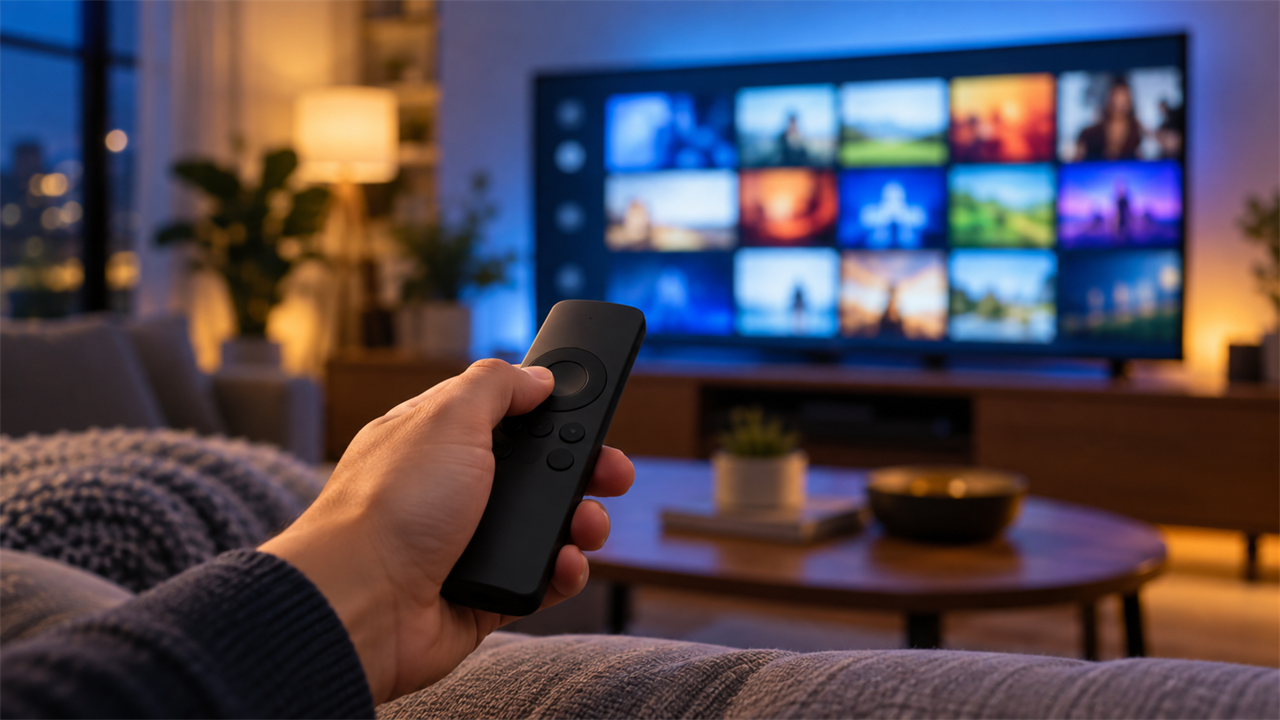
If you stream DIRECTV or YouTube TV on an Amazon Fire TV, finding a live channel just got easier. Amazon announced this week that live content from more than 40 apps, including DIRECTV and YouTube TV, is now built into the Fire TV experience. It appears in the Guides tab and on the home screen, next to other services like Peacock, Sling and Tubi.
Here is what changed, what you need and how to get your channels into the Fire TV guide.
What's new on Fire TV
Fire TV's Live TV guide lets you browse live channels from different apps in one grid, much like a cable or satellite guide. Before this update, it worked with a handful of live TV streaming services, such as Sling TV and Philo. Adding DIRECTV and YouTube TV means subscribers to either service can scan live programming in Fire TV's own menus without opening the app first.
- Guides tab: your DIRECTV or YouTube TV channels appear in the Fire TV channel guide with other live sources.
- Home screen: Amazon is also bringing live content onto the home screen, mixed with on-demand and free programming.
- Rollout: the updates are reaching U.S. Fire TV users over the rest of this year, with other countries expected early next year.
What you need
- A Fire TV device or Fire TV smart TV running current software
- The DIRECTV or YouTube TV app installed and signed in with an active subscription
- A reliable home internet connection
The guide shows the channels your subscription already includes, so what you see depends on your DIRECTV or YouTube TV package. Want more channels in that guide? Call American TV at 1-855-690-9884 to compare DIRECTV packages at your address.
How to add DIRECTV or YouTube TV to the Fire TV guide
- Update your Fire TV. Go to Settings > My Fire TV > About and check for updates.
- Install and sign in. Download the DIRECTV or YouTube TV app, sign in and open it once so it loads your channels.
- Sync the source. Go to Settings > Live TV > Sync Sources and choose DIRECTV or YouTube TV.
- Pick your channels. Under Settings > Live TV, open the option to add and manage channels. Select all channels, or hide, favorite and sort them.
- Open the guide. Head to the Guides tab to browse and choose a channel.
Menu names can vary a bit by device and software version. If DIRECTV or YouTube TV isn't listed as a source yet, the update may not have reached your device. Check for updates again later.
Channels missing from the guide? Try this
- Confirm you're signed in to the DIRECTV or YouTube TV app on that specific Fire TV.
- Go back to Settings > Live TV > Sync Sources and refresh the source.
- In channel management, make sure the channels aren't hidden.
- Restart the Fire TV. If channels still don't appear, uninstall and reinstall the app.
Having trouble with the device itself? See our Fire TV remote and Firestick fix guide.
Alexa+ upgrades arrive in November
Amazon is also expanding Alexa+ on Fire TV. The assistant will draw on your subscriptions and watch history to answer more detailed questions about what to watch. Those features start rolling out to U.S. customers in November on the Fire TV Stick 4K Max (2nd Gen), Fire TV Cube, Amazon Ember TVs and partner TVs with Fire TV built in, such as Hisense and TCL models. The newest Fire TV Stick 4K gets them early next year.
Fire TV guide update at a glance
| What | Details |
|---|---|
| Services added | DIRECTV and YouTube TV, among 40+ apps with live content on Fire TV |
| Where it shows up | Guides tab and the Fire TV home screen |
| What you need | Signed-in DIRECTV or YouTube TV app with an active subscription |
| Setup | Settings > Live TV > Sync Sources, then manage channels |
| Timing | Rolling out to U.S. users this year; other countries early next year |
| Alexa+ features | Starting in November on select Fire TV devices |
DIRECTV or YouTube TV on Fire TV: which is better?
The guide update makes both services easier to use on Fire TV, so the choice still comes down to channels, local sports and price. Start with how DIRECTV and YouTube TV prices compare. Sports fans should also look at the DIRECTV MySports Genre Pack. Prefer a DIRECTV-built streaming box instead of a Fire TV? See DIRECTV Gemini Air vs. Amazon Fire TV.
Ready to compare DIRECTV plans at your address? See DIRECTV options near you or call 1-855-690-9884.
Frequently asked questions
Can I see DIRECTV channels in the Fire TV guide?
Yes. Amazon has added DIRECTV to the live content in Fire TV's Guides tab and home screen. Sign in to the DIRECTV app, then sync it under Settings > Live TV > Sync Sources.
Does YouTube TV work with the Fire TV Live TV guide?
Yes. YouTube TV is part of the same update. Once you're signed in to the app and have synced it as a source, your YouTube TV channels can appear in the guide.
Do I need a separate subscription?
Yes. The guide shows channels from services you already subscribe to. You still need an active DIRECTV or YouTube TV subscription.
Why don't I see the update yet?
Amazon is rolling it out to U.S. Fire TV users over the rest of this year. Keep your device updated and check Sync Sources again later.
Questions about DIRECTV streaming? Call 1-855-690-9884.
Details reviewed September 30, 2026. Feature availability, menu names and rollout timing are set by Amazon and may vary by device, software version and location. Channel availability depends on your subscription. Amazon, Fire TV, Alexa, YouTube TV, DIRECTV and related marks belong to their respective owners. American TV is an independent dealer and resource site.