
DIRECTV Build Your Own Multiview: How to Watch Up to Four Live Games on One Screen
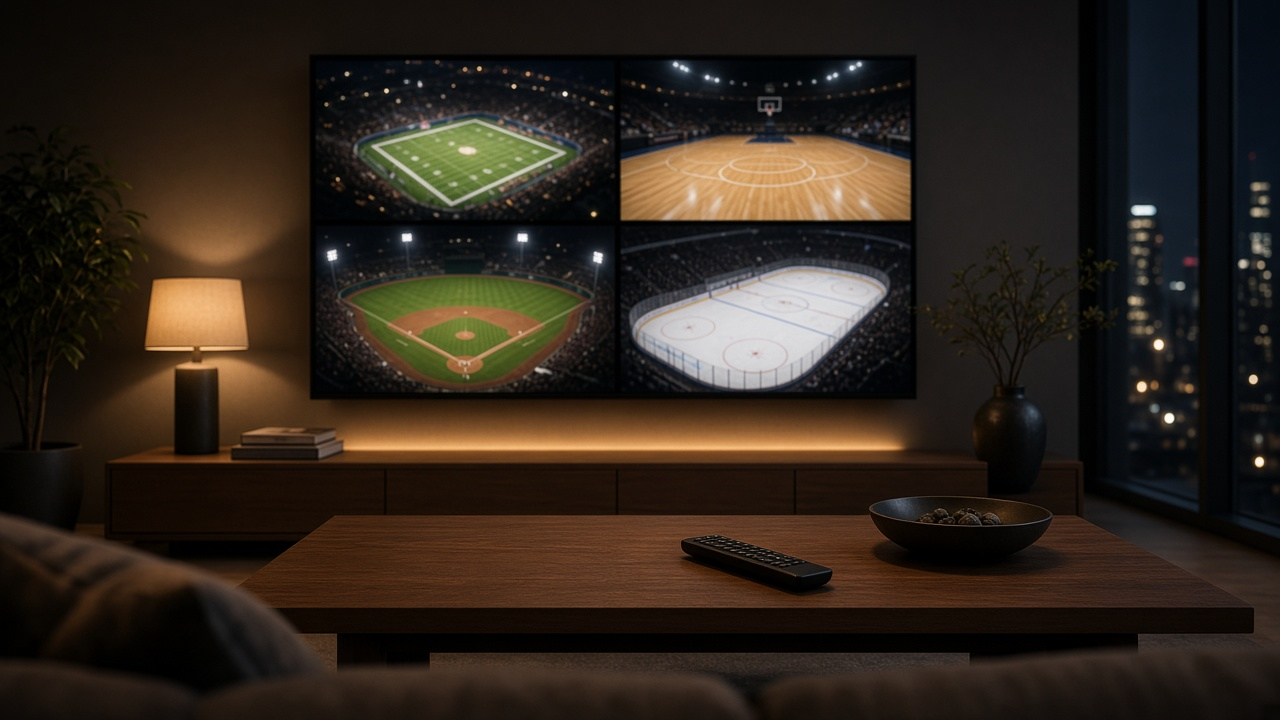
DIRECTV no longer picks your Multiview games for you. With Build Your Own Multiview, announced this week, you choose up to four eligible live sports channels and watch them together on one screen, in a two-, three- or four-view layout.
Earlier versions of Multiview only offered preset combinations, which we covered when DIRECTV added more Multiview options. Those presets are still there. The difference now is that you can build your own lineup and change it while you watch. Here's who gets it first, which channels work and how to set it up.
Build Your Own Multiview at a glance
| Detail | Info |
|---|---|
| What it does | Lets you pick up to four eligible live sports channels to watch on one screen |
| Layouts | Two-, three- or four-view |
| Who gets it first | DIRECTV streaming customers on Gemini devices and Roku, rolling out the week of Oct. 12, 2026 |
| Coming later | Android TV, Fire TV, Vizio, LG, Apple TV and Samsung Tizen TVs (no dates announced) |
| Preset combos | Still available alongside custom lineups |
| Extra cost | None announced; it works with the channels in your package |
How to set up your own Multiview
- Tune to an eligible game. Start watching a live event on a participating sports channel, such as ESPN.
- Open Multiview. Bring up Multiview from the DIRECTV interface while the game is playing. The channel you're already watching is selected for you.
- Add more games. Choose other available sports channels to fill a two-, three- or four-view screen.
- Change it on the fly. Add or remove games as you watch, for example when one game ends or another heads to overtime.
- Or use a preset. If you don't want to build your own, pick one of DIRECTV's pre-selected combinations instead.
If you don't see the option yet, make sure your Gemini device or Roku app is up to date. DIRECTV says it's rolling out over the week, so it may not reach every account on day one.
Which channels work with Build Your Own Multiview?
DIRECTV lists a wide range of sports networks as eligible:
- ESPN, ESPN2 and ESPNU
- FS1
- NFL Network, NBA TV, MLB Network and NHL Network
- CBS Sports Network, Golf Channel and Tennis Channel
- ACC Network, Big Ten Network and SEC Network
Participating local broadcast stations and other national networks can also be added when they're carrying an eligible live sporting event. You can only add channels that are in your package, so the bigger your sports lineup, the more combinations you'll have.
Which devices get it?
The first wave covers DIRECTV streaming customers on Gemini and Roku. If you have a DIRECTV Gemini device, you're in the first group. DIRECTV says Android TV, Fire TV, Vizio, LG, Apple TV and Tizen (Samsung) TVs will follow, but it hasn't given dates.
The announcement doesn't mention satellite receivers, so if you watch on a Genie DVR, the curated Multiview channels are still your main option for now.
Weekends this works best for
- College football Saturdays: put an SEC Network, ACC Network, Big Ten Network and ESPN game side by side.
- NFL Sundays and the NBA season: pair NFL Network or NBA TV with a game on ESPN. See our guides to the NFL on DIRECTV and the NBA on DIRECTV for this week's channels.
- Golf and tennis: keep Golf Channel or Tennis Channel in one corner while a bigger game plays in the main view.
Sports Central and Multiview channels
Build Your Own Multiview joins two other DIRECTV sports tools. The existing Multiview channels still carry ready-made combinations. DIRECTV Sports Central, available from the main menu, gathers live and upcoming football, basketball, baseball and hockey games in one place, where you can check schedules, jump into games and set recordings for your favorite teams.
Want to know which DIRECTV package gives you the most Multiview channels? Call 1-855-690-9884 and we'll walk you through the options.
Frequently asked questions
What is DIRECTV Build Your Own Multiview?
It's a DIRECTV feature that lets you pick up to four eligible live sports channels and watch them together on one screen in a two-, three- or four-view layout, instead of only choosing from preset combinations.
How many games can I watch at once on DIRECTV Multiview?
Up to four. You can also choose a two- or three-view layout and add or remove games while you watch.
Which devices support Build Your Own Multiview?
It's rolling out first to DIRECTV streaming customers on Gemini devices and Roku. DIRECTV says Android TV, Fire TV, Vizio, LG, Apple TV and Tizen TVs will follow later.
Which channels can I put in my Multiview?
Eligible channels include ESPN, ESPN2, ESPNU, FS1, NFL Network, NBA TV, MLB Network, NHL Network, CBS Sports Network, Golf Channel, Tennis Channel, ACC Network, Big Ten Network and SEC Network, plus participating local and national networks when they carry an eligible live game.
Can I still use DIRECTV's preset Multiview combinations?
Yes. The pre-selected combinations and Multiview channels are still available alongside the new custom option.