
Can't Watch Apple TV? Here's Why: Apple TV Outage Still Not Fully Fixed
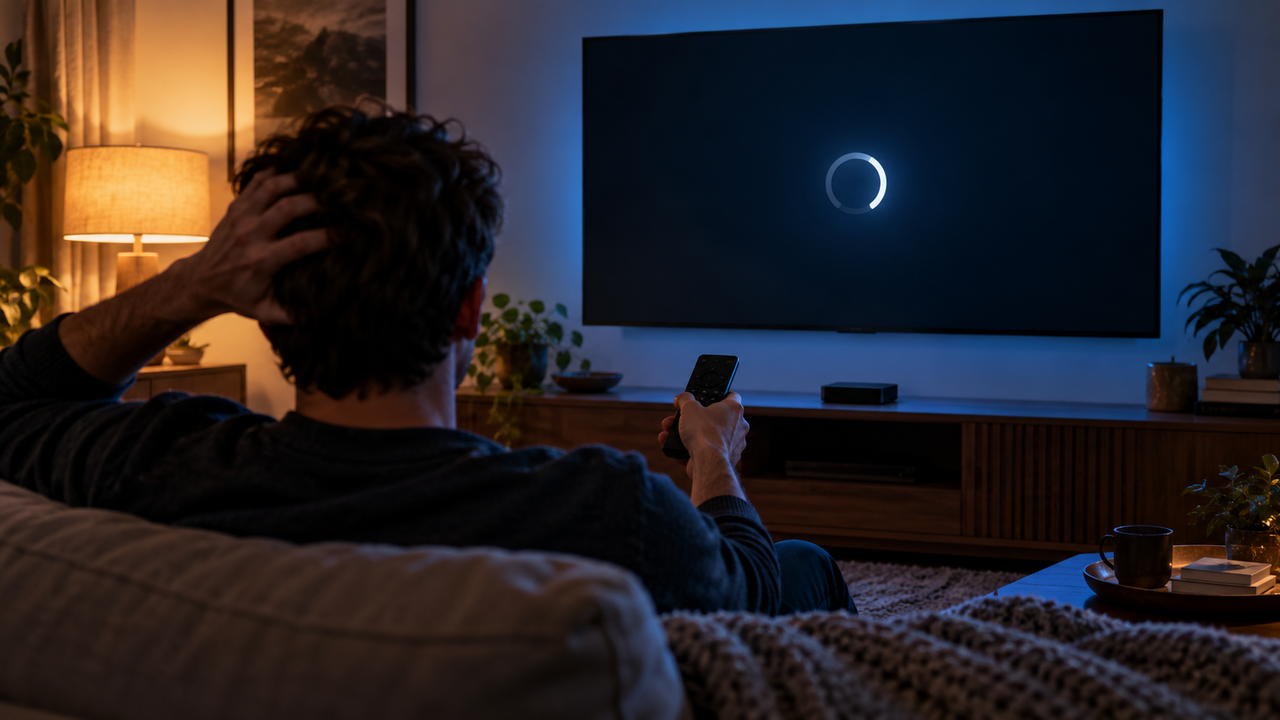
If Apple TV won't load or play, it's probably not your TV, your Wi-Fi or your account. Apple says its Apple TV streaming service has had an issue since 4:43 p.m. ET on Wednesday, September 30, 2026, and as of Thursday afternoon, October 1, Apple's System Status page still listed it as ongoing.
Here's what Apple has said, what was affected and what you can do while you wait.
What happened
The trouble started as a wider Apple services problem late Wednesday afternoon. Here's how it unfolded, according to Apple's System Status page and reporting from Apple-focused news sites:
- About 4:22 p.m. ET, Sept. 30: Apple began listing issues with the App Store, Mac App Store, Apple Music, Apple Fitness+ and subscription purchases. Apple described several of them as routine or scheduled maintenance.
- 4:43 p.m. ET: Apple posted an Apple TV issue: "Apple TV may be unavailable due to scheduled maintenance." It said some users are affected.
- 5:30 to 6:15 p.m. ET: Buying AppleCare coverage directly on a device was temporarily unavailable for everyone. That issue is resolved.
- By early Wednesday evening: Apple said the other affected services had recovered, with Apple TV the exception.
- Thursday, Oct. 1: Apple's status page still shows the Apple TV issue as ongoing, with no end time posted.
Apple hasn't explained what went wrong beyond calling it scheduled maintenance, and it hasn't said when Apple TV will be fully back for everyone.
Which "Apple TV" is affected?
The name can be confusing. Apple uses "Apple TV" for its streaming service (formerly Apple TV+), the Apple TV app and the Apple TV 4K streaming box. The status notice is for the Apple TV service, meaning Apple's shows, movies and content in the Apple TV app. It doesn't list other apps you might use on an Apple TV box, such as DIRECTV, Netflix or YouTube.
Symptoms have varied. Some people report that the Apple TV app's screens won't load on iPhone, while others can still play content on different devices. Apple says only some users are affected, so you may see the problem on one device and not another.
Is it related to the weird App Store text?
On the same day, many users noticed the App Store showing odd internal labels in place of normal category names. Apple hasn't connected that display glitch to the Apple TV issue. The App Store itself is listed as available.
What you can do right now
- Check Apple's System Status page. If Apple TV still shows a yellow or red issue, the problem is on Apple's side and there's nothing to fix at home.
- Close and reopen the Apple TV app, or restart your device. This can help once Apple's service starts recovering.
- Try a different device. If Apple TV plays on your phone but not your TV (or the other way around), you're likely seeing the partial outage.
- Don't reset or delete anything. Signing out, reinstalling apps or factory-resetting won't fix a server-side issue, and you'll have to set everything up again.
- Rule out your connection. If other streaming apps are also buffering, run our internet speed test.
Tired of streaming apps going down on movie night? Call American TV at 1-855-690-9884 to see DIRECTV options at your address, including satellite service with a traditional channel guide.
Other things to watch while you wait
| Option | Affected by the Apple outage? | Notes |
|---|---|---|
| Other apps on your Apple TV box (DIRECTV, Netflix and others) | Not listed by Apple | These apps run on their own services |
| Live TV from your TV provider | No | Cable, satellite and live TV streaming services use their own networks |
| Free antenna channels | No | Local broadcasts don't depend on an internet connection |
| Downloaded Apple TV episodes | Possibly | Some offline downloads may still play, depending on the device |
Will Apple give a credit?
Apple hasn't announced a credit for the outage. If you couldn't watch for an extended period, you can contact Apple Support and ask. Keep in mind Apple says only some users were affected.
Want TV that doesn't depend on a single app? Call 1-855-690-9884 for DIRECTV packages and prices.
Frequently asked questions
Is Apple TV down right now?
As of Thursday afternoon, October 1, 2026, Apple's System Status page still listed an ongoing Apple TV issue affecting some users. It started at 4:43 p.m. ET on September 30.
Why isn't Apple TV working?
Apple says Apple TV "may be unavailable due to scheduled maintenance." It hasn't shared more detail or a restoration time.
Were other Apple services down too?
Yes. On September 30, Apple listed issues with the App Store, Mac App Store, Apple Music, Apple Fitness+, subscription purchases and on-device AppleCare purchases. Those were restored Wednesday evening, leaving only Apple TV.
Does the outage affect the DIRECTV app on my Apple TV box?
Apple's notice covers its own Apple TV service. It doesn't list third-party apps like DIRECTV. If another app isn't working, check your internet connection and that app's own support page.
Questions? Call 1-855-690-9884.
Details reviewed October 1, 2026, at about 1 p.m. ET. This is a developing service issue. Status, affected services and timing come from Apple's public System Status page and may change at any time. Apple, Apple TV, App Store, DIRECTV, Netflix, YouTube and related marks belong to their respective owners. American TV is an independent dealer and resource site.